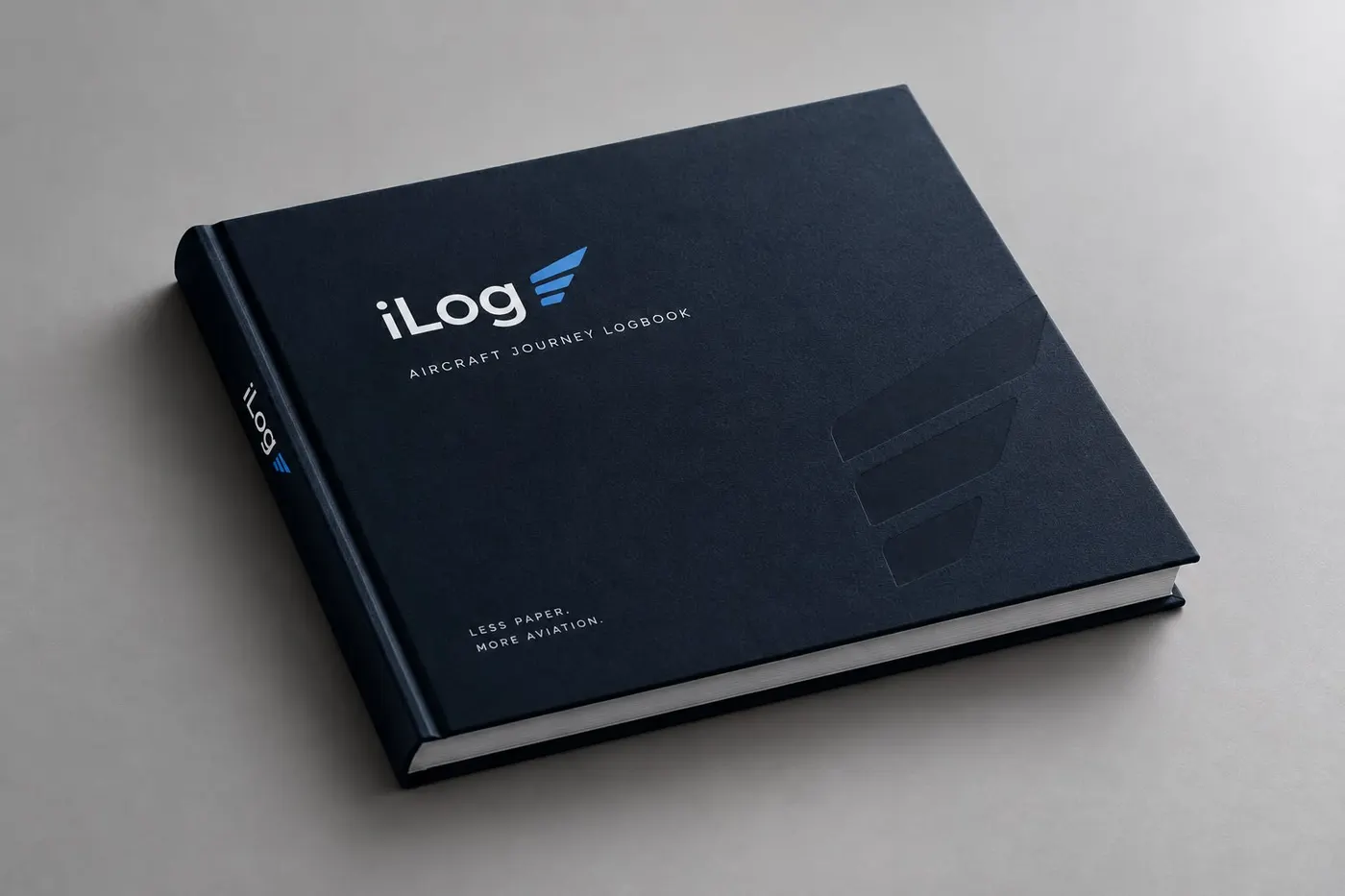
AIRCRAFT JOURNEY LOGBOOK
Less paper.
More aviation.
Keep writing your flights in a book you can hold. iLog turns each page into a digital record you can search and total — after you have checked it.
9:41●●● 5G ▮
iLogKM
Saturday 3 October
Good evening,
Kai.
YOUR LOGBOOK
124Flights
842:36Hours
311Landings
Medical class 2valid · 214 days
SEP ratingrevalidate in 41 days
Last flightEDDM → LOWW
SIMPLE.DIGITAL.RELIABLE.
HOW IT WORKS
From the page
to your logbook.
- 01 · WRITE
Write it down
Fly as usual and fill in the iLog book after landing. Pen, paper, done.
- 02 · SCAN
Take one photo
Point your phone at the page. Markers on every page show iLog where each field is.
- 03 · CHECK
Check the values
The photo and the values sit side by side. Nothing is saved until you confirm.
- 04 · LOG
Keep the record
Confirmed flights join your digital logbook, with totals you can rely on.
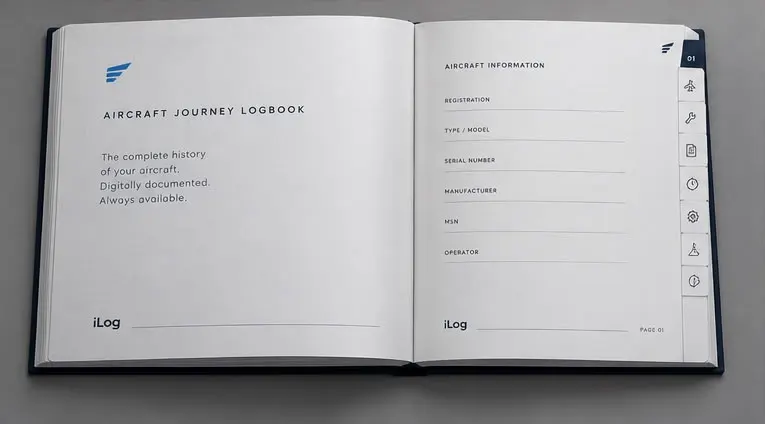
THE BOOK
Made to be read twice.
Once by you, once by your phone. Every page has clear fields for aircraft, route, times and remarks, so the photo can be read without retyping.
- Fields
- Aircraft, journey, times, remarks
- Tabs
- Numbered sections to find pages fast
- Markers
- Link each page to your account
The page layout is being finalised with our first pilots.
STATUS
What is ready,
what is next.
FeatureWhereStatus
Account & pilot profileWebLIVE
Licence & medical overviewWebLIVE
Manual flight entriesWebNEXT
Page scanning & reviewWebPLANNED
iPhone & Android appsMobilePLANNED